

















News


 电商部
电商部  2026-04-27 16:45:17
 PCIe SSD Overheating Solutions: Thermal Management and Throttling Explained
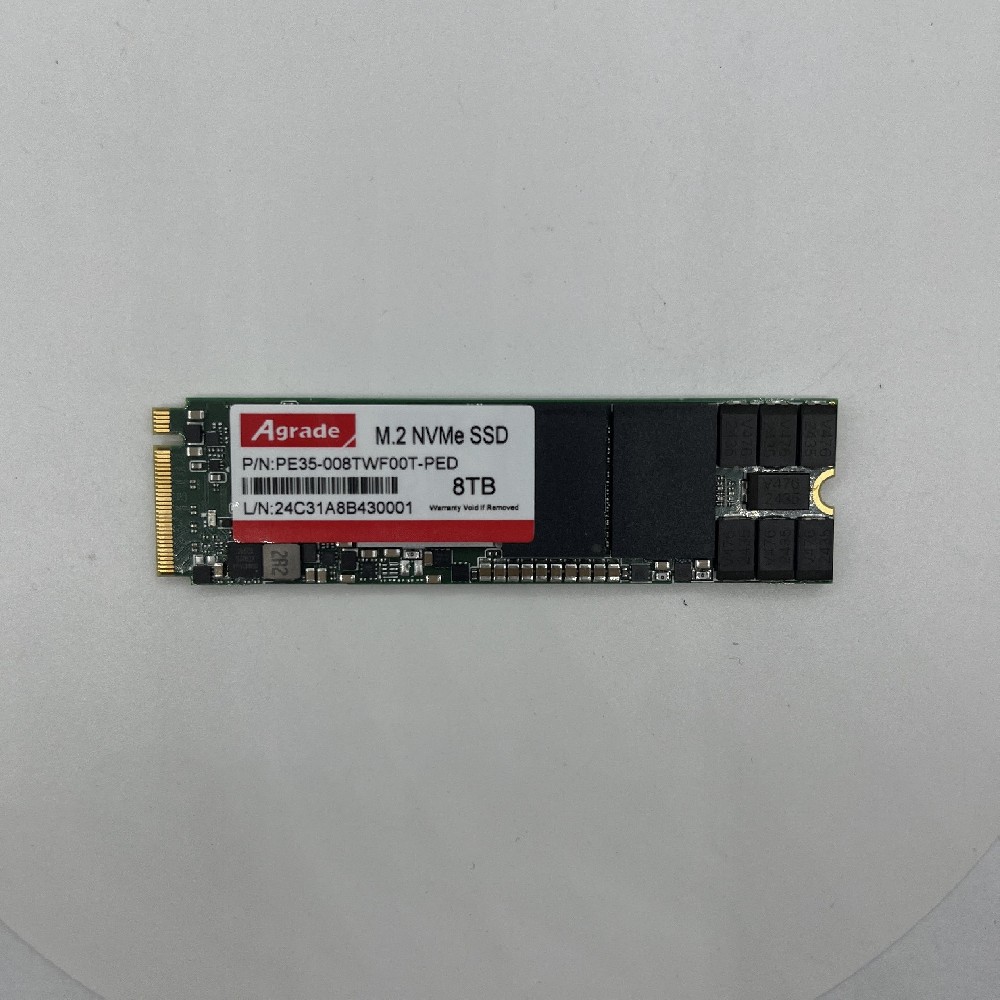
PCIe SSDs, especially Gen 4.0 and 5.0 models, generate significant heat. Excessive temperatures trigger thermal throttling, reducing performance. Proper cooling design is essential to maintain peak performance.
1. Heat Generation Sources in PCIe SSDs
Controller Chip: High-performance controllers can consume 5-10W
DRAM Cache: Models with DRAM add extra heat
NAND Flash: Generates heat during sustained writes

2. Cooling Solutions
Passive Heatsinks: Aluminum heatsinks increase surface area; suitable for normal workloads.
Active Cooling: Small fans directly cooling the SSD; recommended for sustained high loads.
Thermal Pads: Transfer heat to the motherboard heatsink or chassis.
Heat Pipes: High-end models integrate heat pipes for rapid heat transfer.
3. Throttling Mechanism
PCIe SSDs have onboard temperature sensors. When thresholds are exceeded, the controller automatically reduces speed:
~70°C: Minor speed reduction begins
~85°C: Significant speed reduction
~95°C: Aggressive throttling or emergency shutdown
4. Selection Recommendations
Laptop / Compact Device: Choose low-power controller models or PCIe 3.0
Desktop: Add a heatsink
Workstation / Server: Active cooling recommended
Sustained High Load: Prioritize PCIe 3.0 or actively cooled models

-
Products
Advantages
-
Solutions
-
News
About us
-
Contact us
Tel:+86 19926658803
Whatsapp:+86 19926658803
lianle1210@163.com
Address: 30CF, Caihong Building, Caihong Road, Futian District, Shenzhen City, Guangdong Province, China



Friendly Links:
