




News


 电商部
电商部  2026-04-27 17:50:36
 PCIe SSD Cache Explained: DRAM vs. HMB vs. SLC Cache – What's the Difference?
PCIe SSDs use various caching strategies to optimize performance. Understanding the differences helps you choose the right drive for your workload.
1. DRAM Cache (Dedicated)
How It Works: External DRAM chip stores the FTL (Flash Translation Layer) mapping table
Advantages: High random read/write performance, low latency
Disadvantages: Higher cost; data at risk during power loss (requires PLP)
Best For: Mid-range to high-end consumer and enterprise SSDs
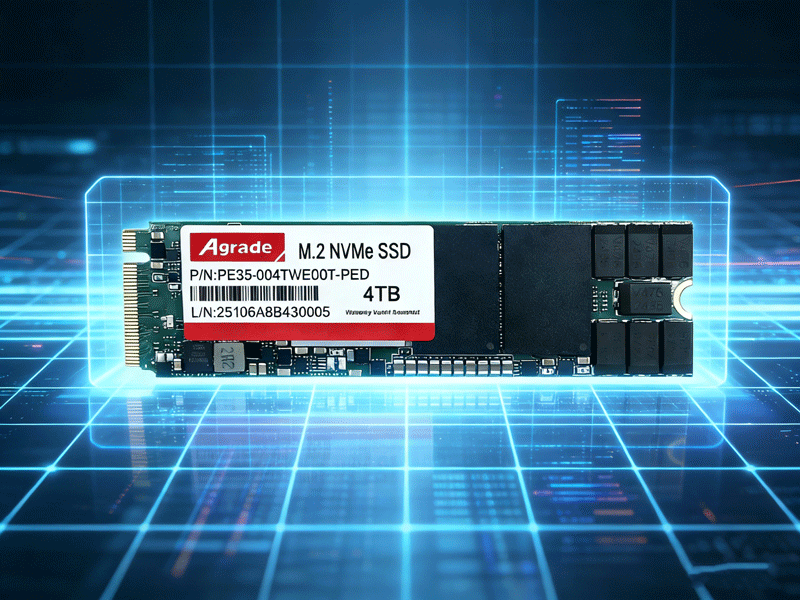
2. HMB (Host Memory Buffer)
How It Works: Uses a small portion of host system memory (typically 64MB) to store the FTL mapping table
Advantages: Lower cost without sacrificing most performance
Disadvantages: Slightly lower random performance than DRAM; depends on host memory
Best For: Entry-level to mid-range PCIe SSDs
3. SLC Cache
How It Works: Part of TLC/QLC NAND is temporarily operated in SLC mode for fast writes, then folded back to native mode in the background
Advantages: Boosts burst write speeds; reduces small-file write amplification
Disadvantages: Speed drops dramatically after cache fills; cache size shrinks as the drive fills up
Best For: Almost all consumer TLC/QLC PCIe SSDs
4. Selection Recommendations
Maximum Performance: Choose drives with large DRAM caches and PLP
Budget-Friendly: HMB drives offer great value
Write-Intensive Workloads: Pay attention to SLC cache size and steady-state speed
Enterprise: DRAM + PLP is the standard configuration

-
Products
Advantages
-
Solutions
-
News
About us
-
Contact us
Tel:+86 19926658803
Whatsapp:+86 19926658803
lianle1210@163.com
Address: 30CF, Caihong Building, Caihong Road, Futian District, Shenzhen City, Guangdong Province, China



Friendly Links:
