











News


 电商部
电商部  2026-04-27 15:56:27
 PCIe SSD vs. SATA SSD: What's the Difference and Which One Should You Choose?
A PCIe SSD is a solid-state drive that uses the PCI Express (PCIe) interface instead of the traditional SATA interface. This fundamental difference enables dramatically faster data transfer speeds.
1. Interface and Protocol Differences
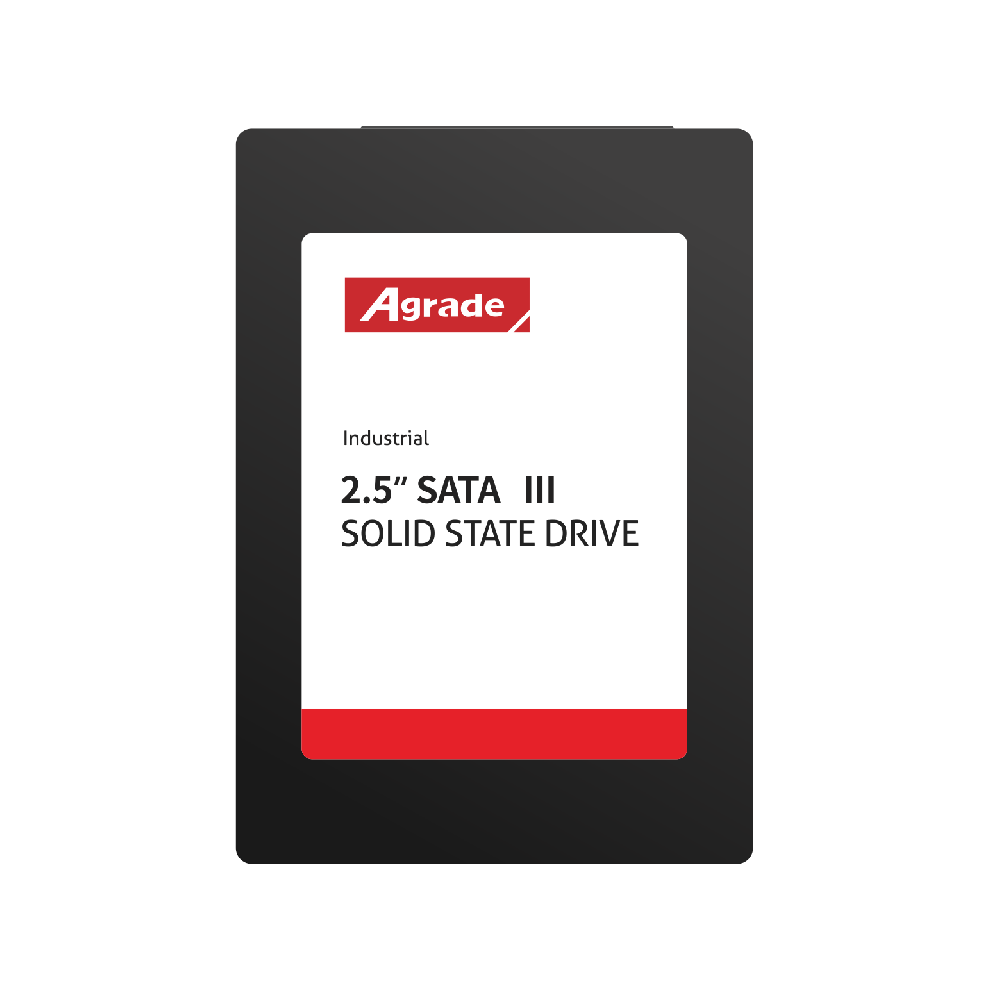
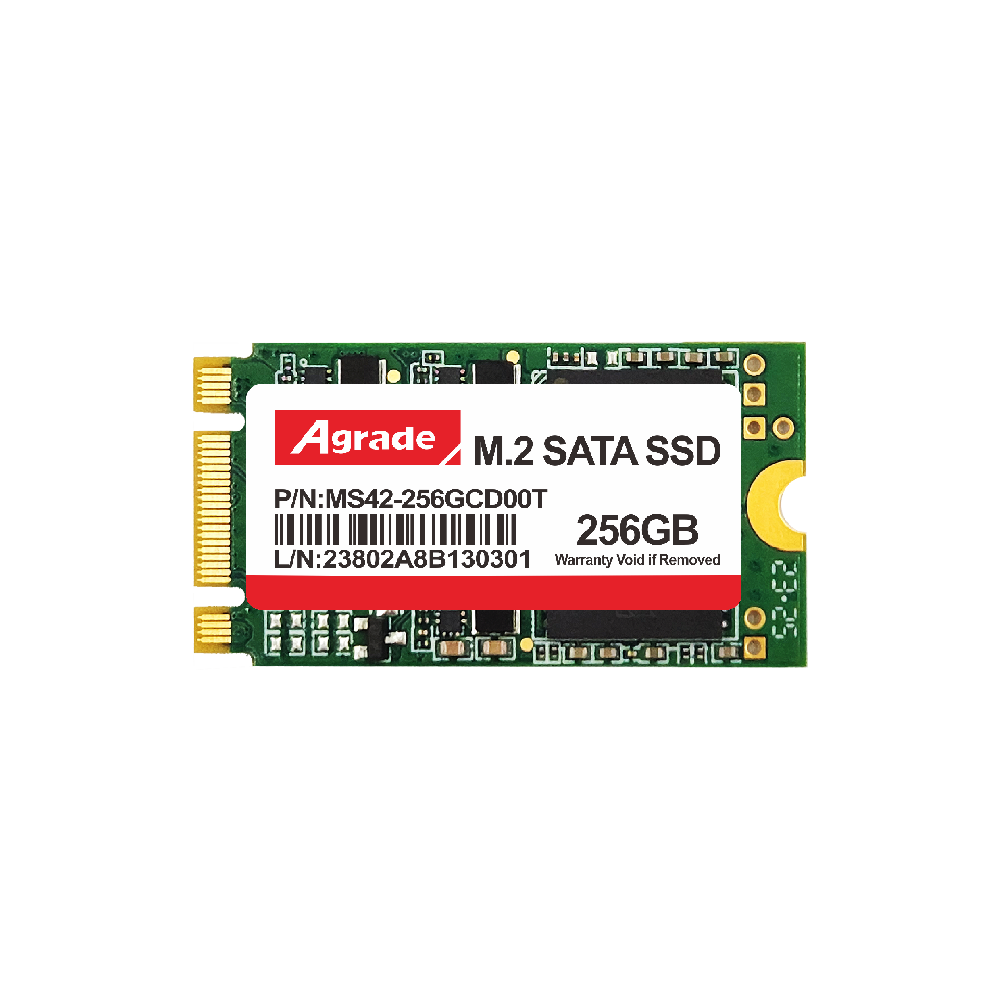
SATA SSDs use the SATA interface and AHCI protocol, with a maximum theoretical bandwidth of 6Gbps (actual speed ~550MB/s). PCIe SSDs use the PCIe interface and NVMe protocol. PCIe 3.0 x4 offers 32Gbps (~3,500MB/s), PCIe 4.0 x4 offers 64Gbps (~7,000MB/s), and PCIe 5.0 x4 offers 128Gbps (~14,000MB/s). The NVMe protocol is specifically designed for SSDs, supporting up to 65,535 queues with 65,535 commands per queue, while AHCI only supports a single queue with 32 commands.
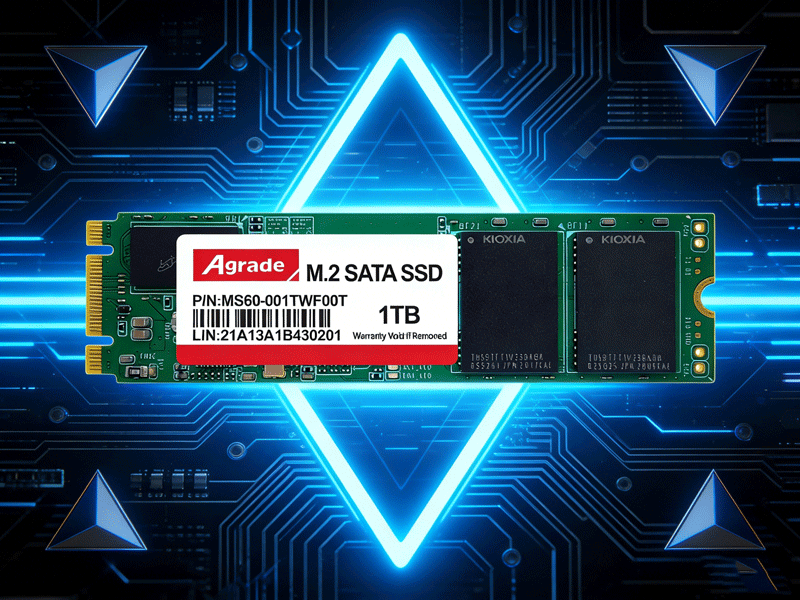
2. Real-World Performance Comparison
SATA SSD: 500-550MB/s read/write
PCIe 3.0 SSD: 3,000-3,500MB/s
PCIe 4.0 SSD: 5,000-7,500MB/s
PCIe 5.0 SSD: 10,000-14,000MB/s
3. Use Cases
PCIe SSDs excel in high-performance computing, AI training, video editing, gaming, and data centers. SATA SSDs remain suitable for general office work, file storage, and budget-conscious builds.
4. Compatibility Considerations
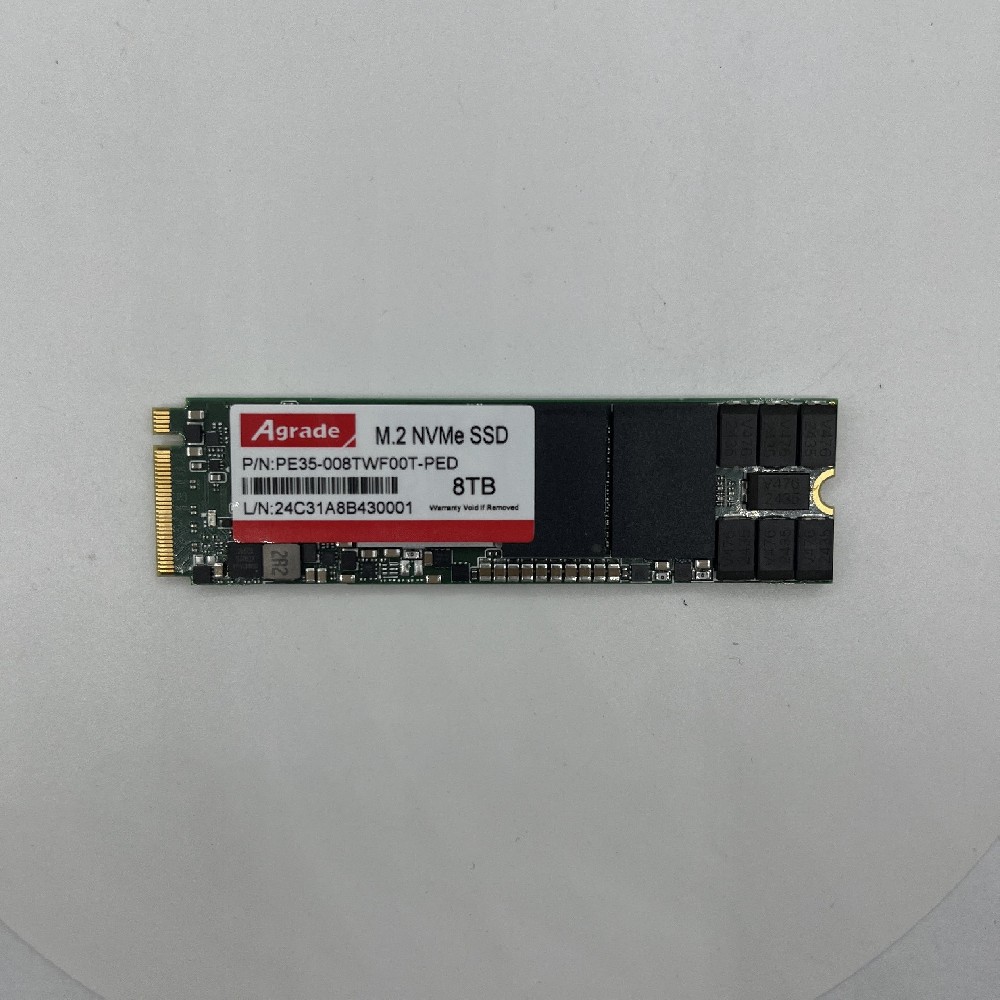
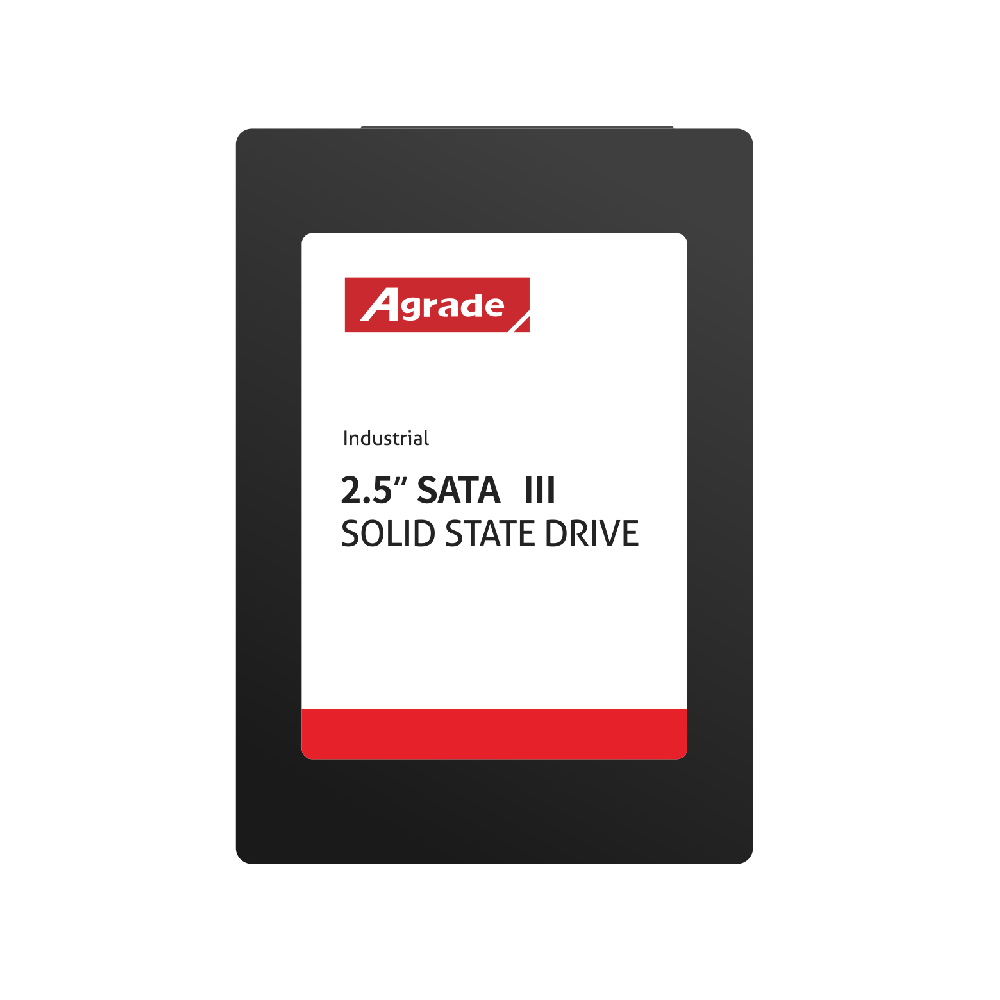
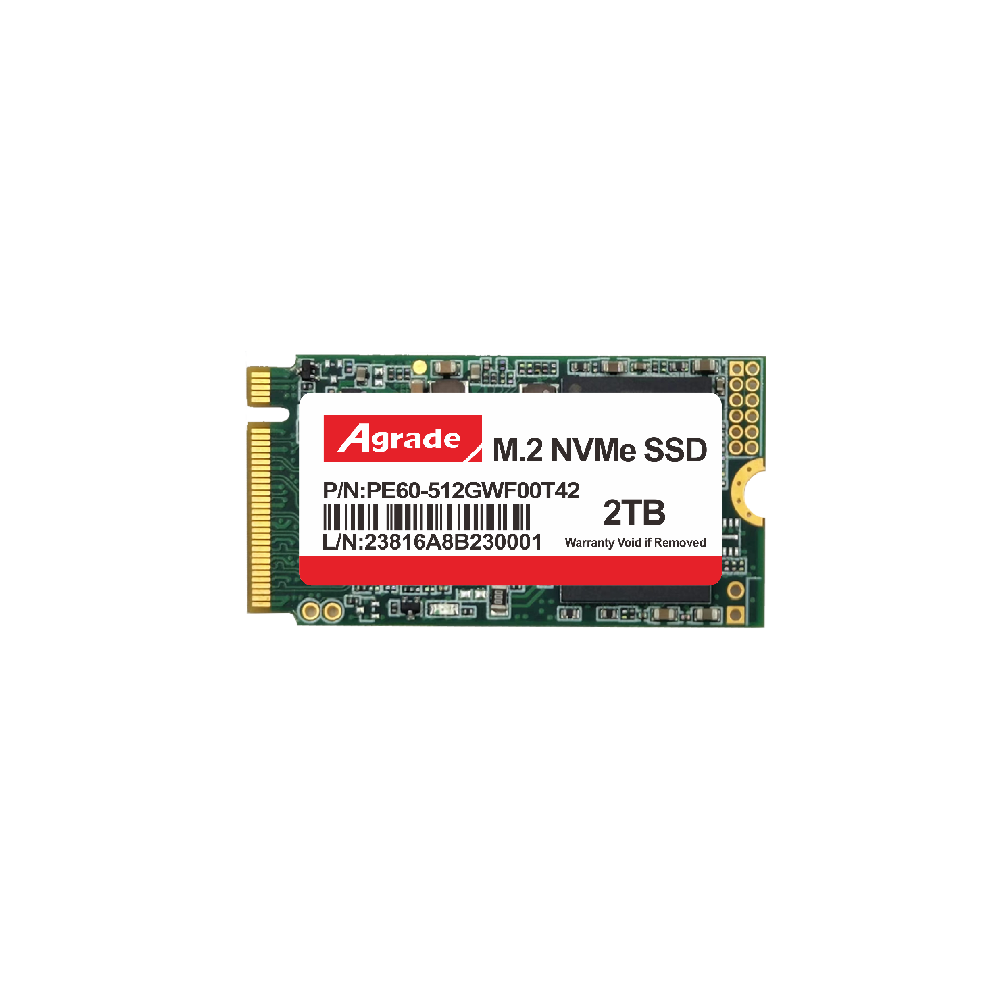
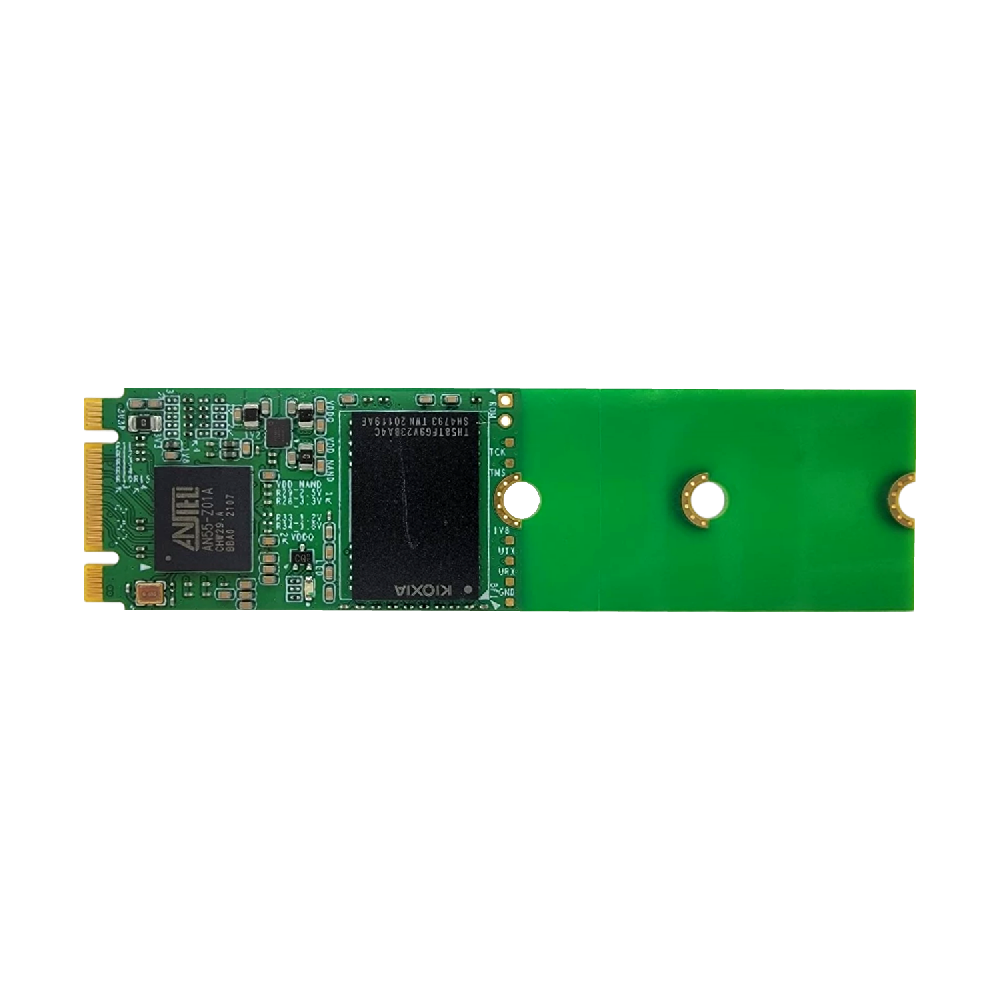
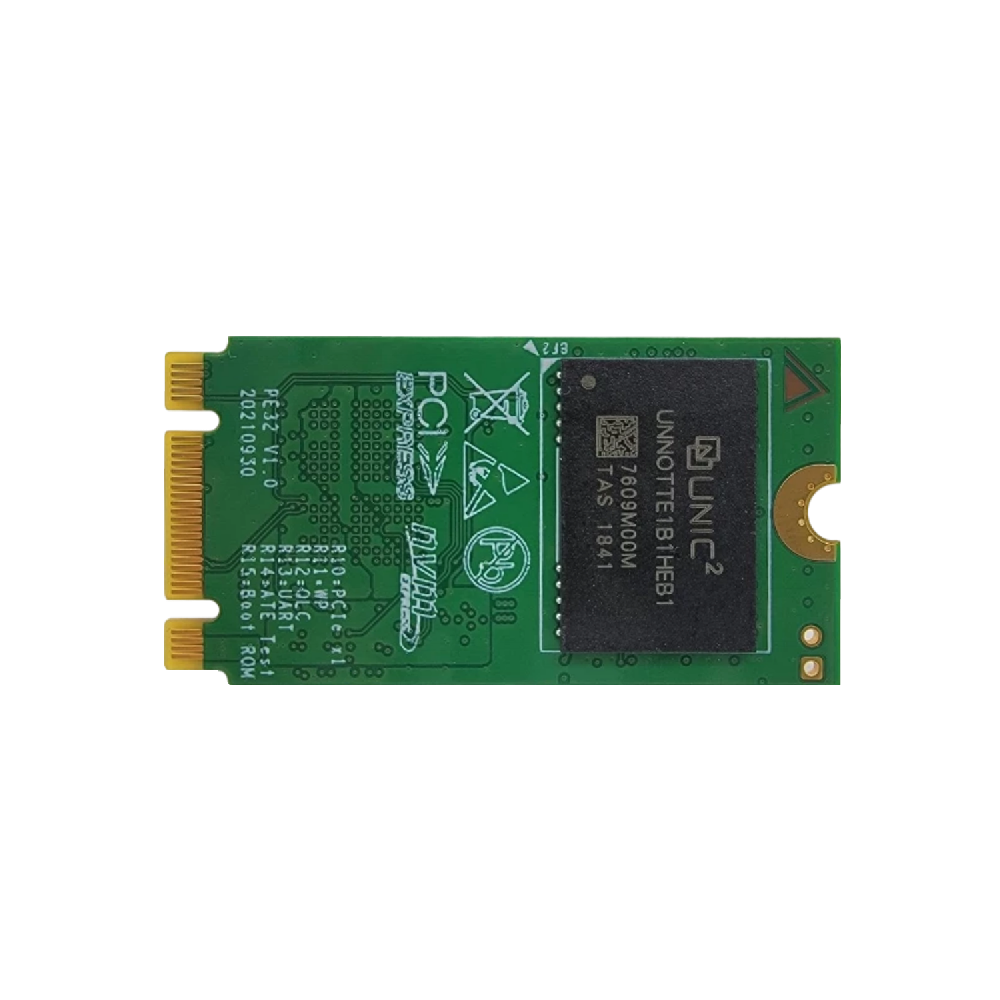
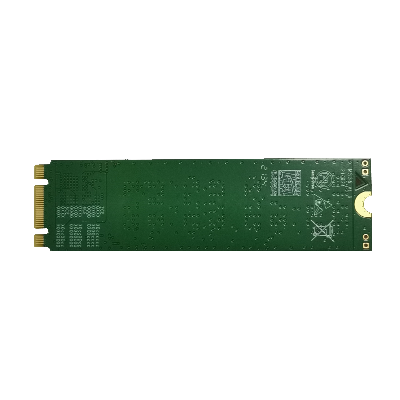
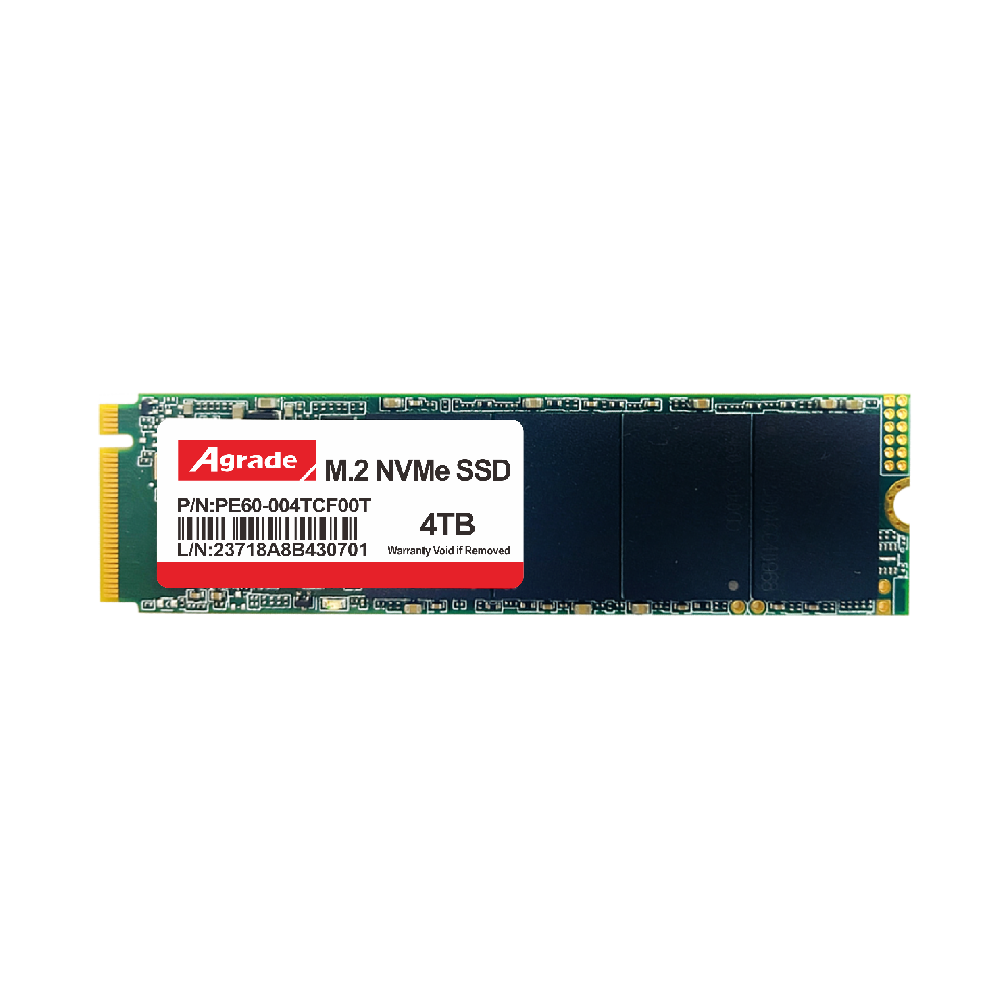
PCIe SSDs typically use M.2, U.2, or add-in-card (AIC) form factors. The motherboard must have an M.2 slot that supports NVMe protocol or a PCIe slot that supports NVMe boot. Older motherboards may not support booting from PCIe SSDs.

-
Products
Advantages
-
Solutions
-
News
About us
-
Contact us
Tel:+86 19926658803
Whatsapp:+86 19926658803
lianle1210@163.com
Address: 30CF, Caihong Building, Caihong Road, Futian District, Shenzhen City, Guangdong Province, China



Friendly Links:
